1The customer portal
Customers see their orders, message you and reorder. About 3 minutes. On Shop and Pro, or an add-on on Starter.
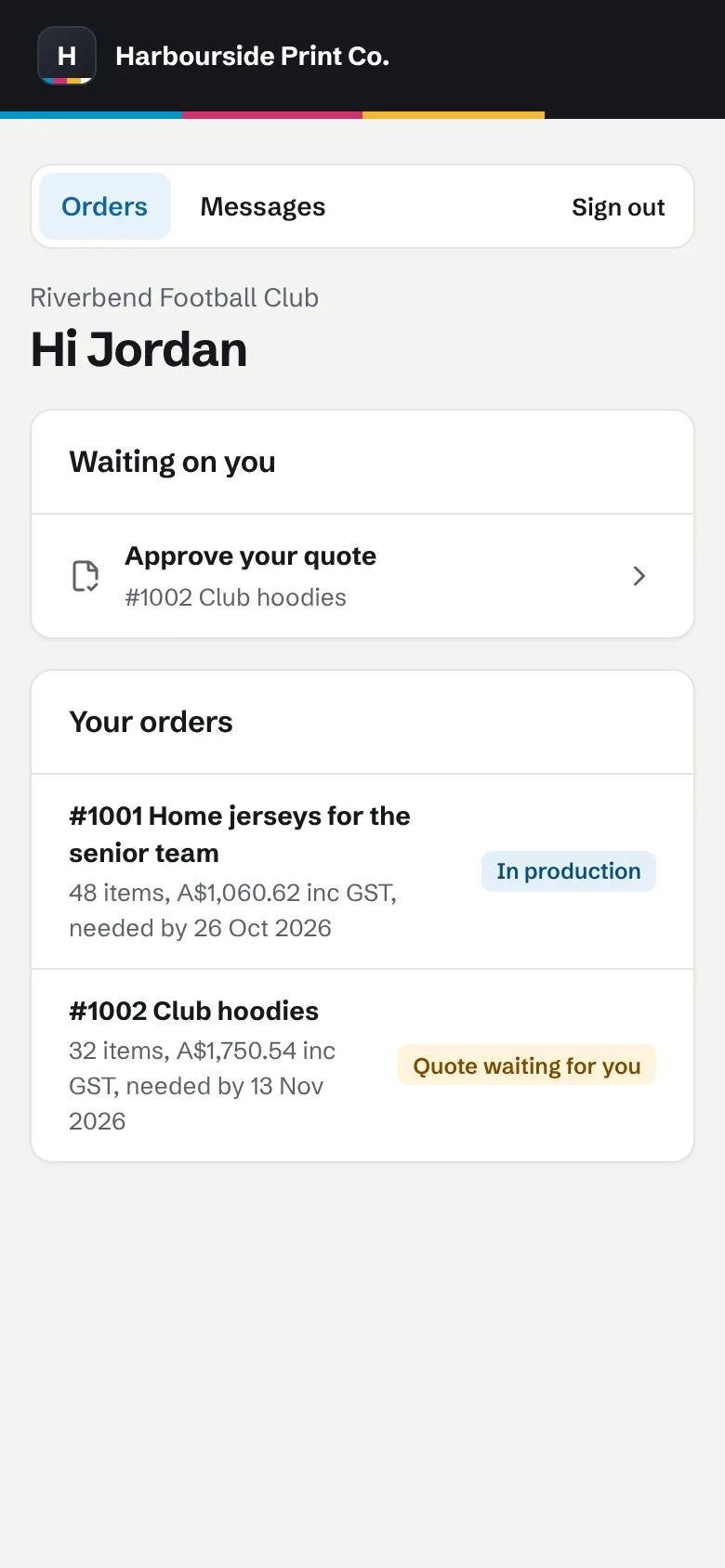 A customer's orders in the portal on a phone. A made-up example shop.
- Turn it on Settings, Shop details, then Customer portal. It's off until you turn it on.
- Send a sign-in link From a customer's page, send a contact their sign-in link. There's no password to forget.
- Reorders come to you Reorders arrive as draft quotes for you to check before anything is confirmed.
2Your order page
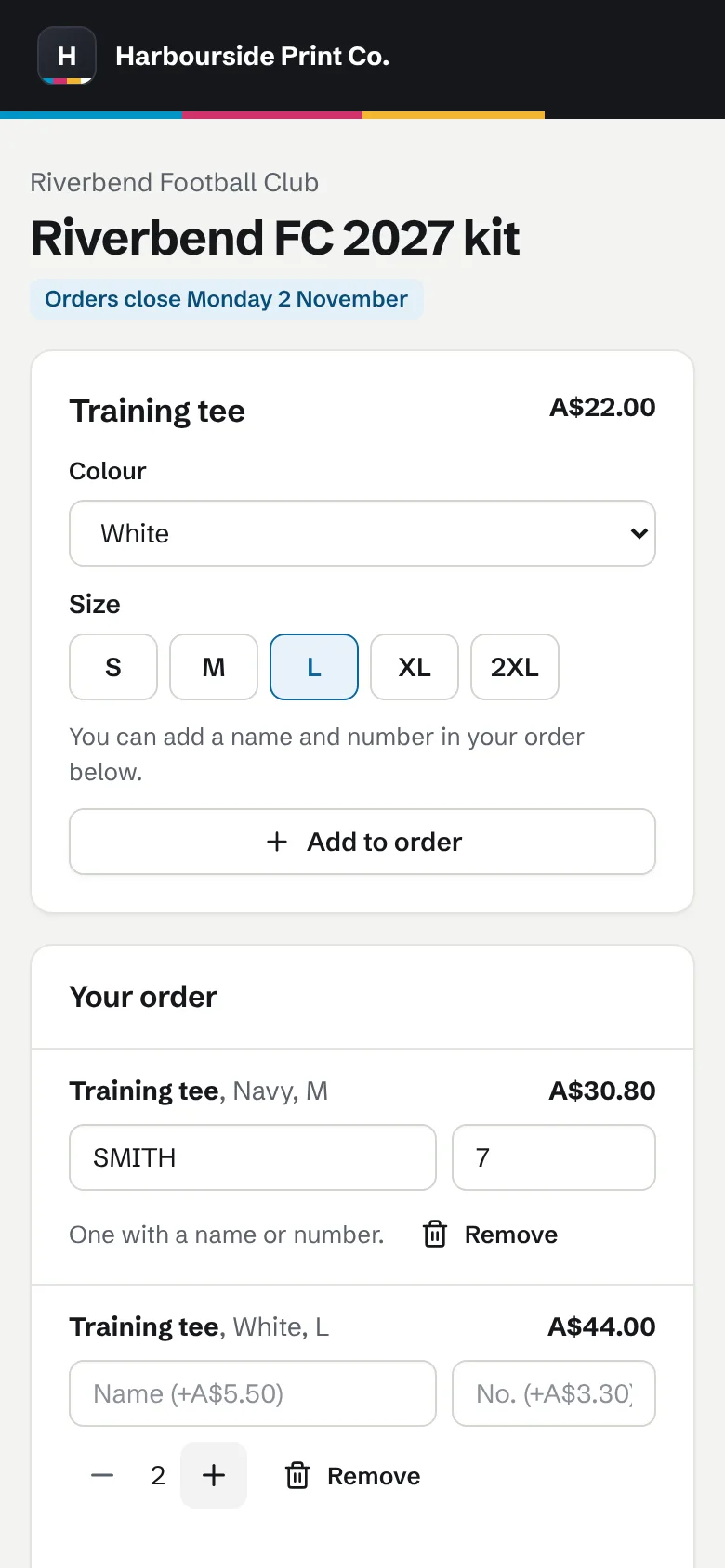
New customers pick a garment, add their logo and send it. About 3 minutes. On Shop and Pro.
- Turn it on Settings, Shop details, then Order page. Choose whether to show an estimate.
- Share the link Put the link on your website or social pages.
- Orders arrive as drafts Each order comes in as a draft quote, priced from your own lists, with the logo and mockup attached.