Help

Your books

Accounting, reports and GST, without typing anything twice.

Xero or QuickBooks

Invoices, customers and payments go into your books by themselves. About 4 minutes.

  1. Connect once Settings, Accounting, then connect Xero or QuickBooks and sign in there.
  2. Choose the accounts Pick the sales account and the bank account payments go to.
  3. It keeps itself up to date New invoices, customers and payments are sent every few minutes. Payments matched there come back as paid.
  4. Another system? Download a file for any other accounting system from the same page.
Reports and GST

Sales by month and financial year, and the figures for your BAS. About 3 minutes.

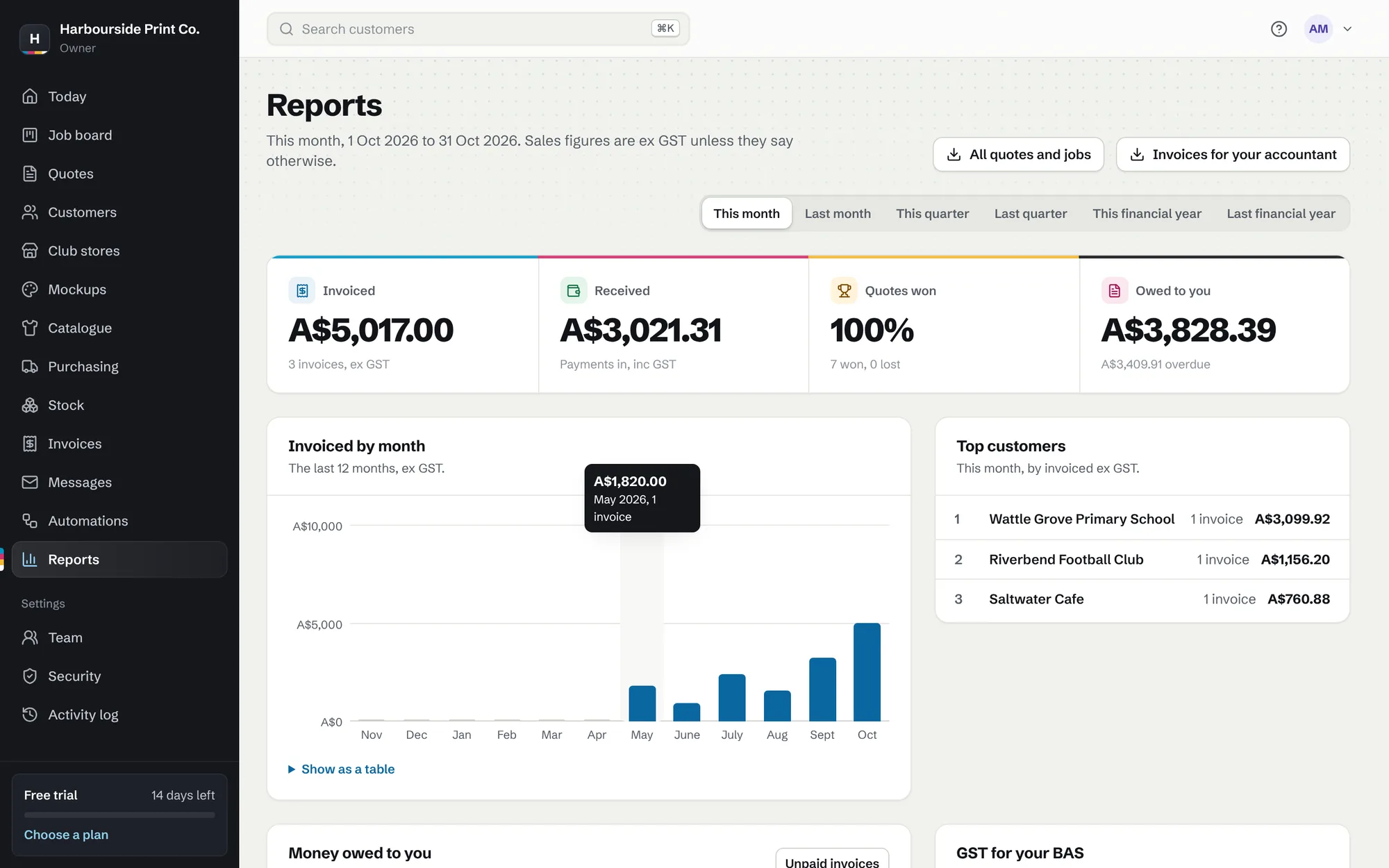
Sales reports by month with top customers
Sales reports by month with top customers. A made-up example shop.
  1. Pick a period Reports runs by month, quarter and financial year, July to June.
  2. GST for your BAS See GST collected and download every invoice in the period.
  3. Goals and profit On Shop and Pro, set a monthly goal and see the profit on every job.